

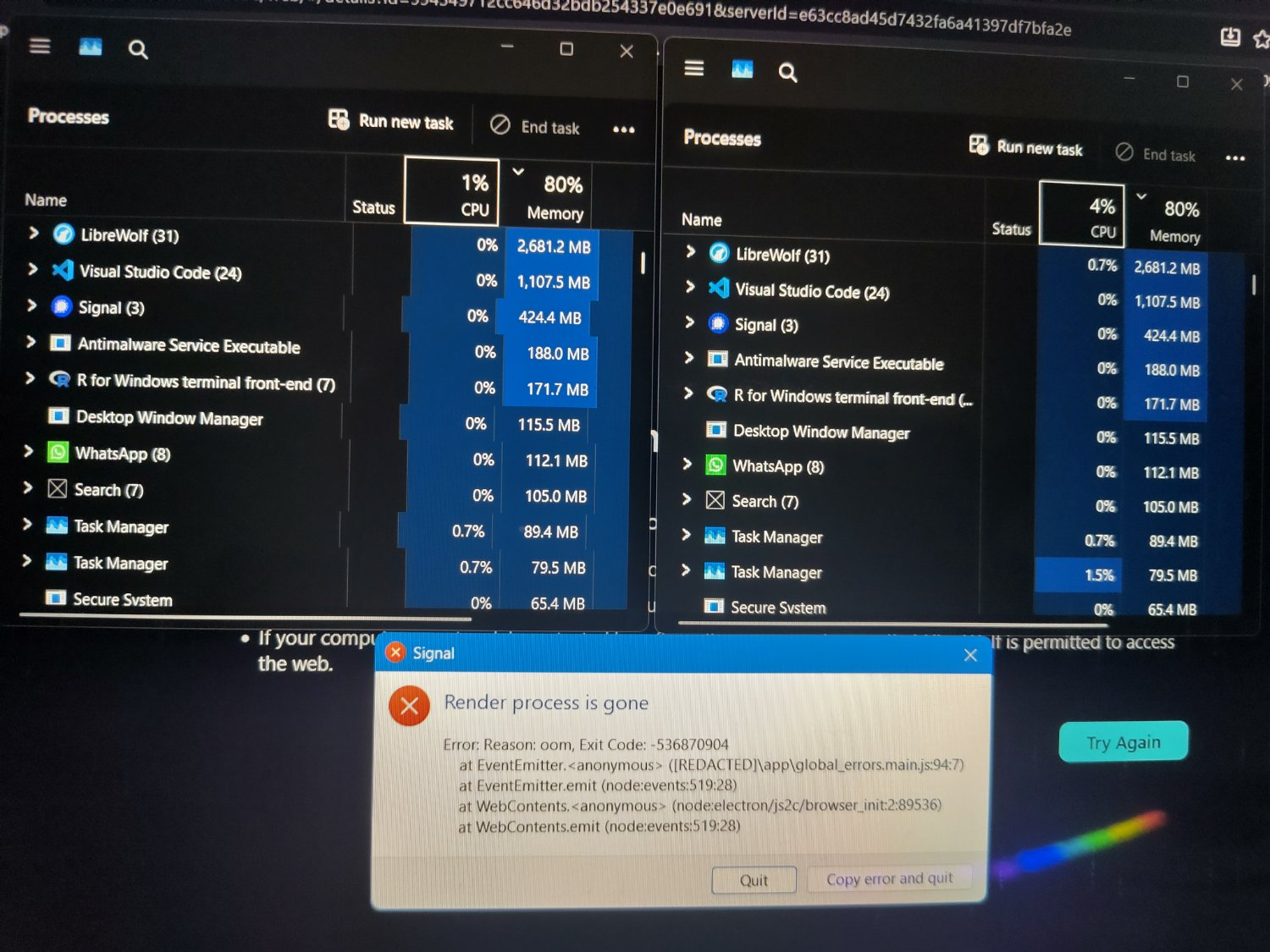
It all began with me trying to open a new window in VS Code. The system started stuttering, like if the memory would be running out. So I tried to open Task Manager. It confirmed my feeling.
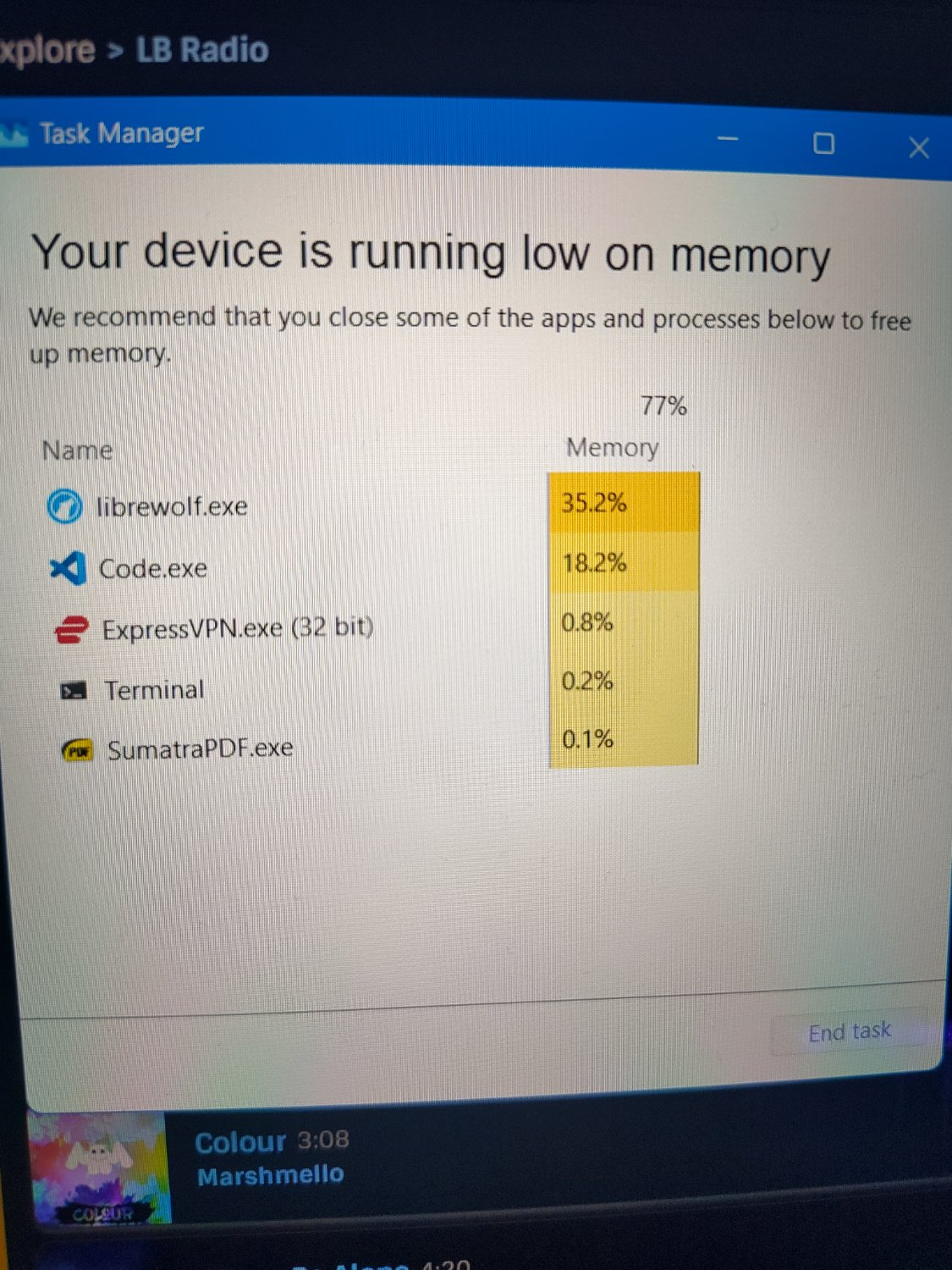
But after a few seconds the system started working again. After reopening Task Manager it showed I as a user was consuming only 5.2GB out of 16GB. So I wanted to take a screenshot of this. The system froze (except music) and after a few seconds it went black and then the UI restarted. Then I noticed I had two task managers (which I could not have ever achieved), one of which has broken columns and the Signal app has also crashed. I still couldn’t take screenshots, but at least it stopped crashing the system. So I hope restart helped fix this issue.
Personally, I think the reason for the weird crash was that I reduced recently paging file size from automatic (48GB!) To 8GB, since I was running low on storage. But as I said, opened apps were using under 6GB, so 10GB (with 8GB swap) for system should be enough, Microsoft!
Some don’t like Ventoy currently, but you can setup a stick with it and then just plop multiple isos in there and boot from it.
Also, the installer sometimes fixes issues in the live boot. Maybe try a fixed dual boot first, before deciding against a distro because of hardware.
The memory issues got reálky annoying, so I switched to Fedora two weeks ago, since I found somewhere it is recommended for my laptop. It has a few minor issues like no working fingerprint sensor or I encountered some issues with GPU being slow. Playing 4k 120fps 60Mbps videos from a GoPro were lagging, but I can live with that 🙂