Excellent, remember that after 64 times booting the system there will be a mandatory test on 16 random boot up messages.
Fail, and the system refuses to start.
Few Linux users have ever successfully beaten it…
…mostly because they have never had to reboot their system 64 times before getting a new machine.
People reboot their systems?
How else am I supposed to exit Vim?
You can reboot your system?
You guys know where the physical machine is?
Honestly, shout out to the folks who maintain packages, Linux error logs are very searchable and readable.
I usually just scan the terminal logs looking for error flags and then search for them to see if they’re something that can, and should be, fixed.
The neat thing is that like
You COULD study and learn how to read the stuff Linux vomits on the terminal
Windows programmes just die and tell you nothing. Good fucking luck.
Yeah, being able to google stuff that’s not working has been a lifesaver for me. Or (and I know it’s not popular here) taking a snippet of some confusing output and giving it to an AI to have it explain what things mean.
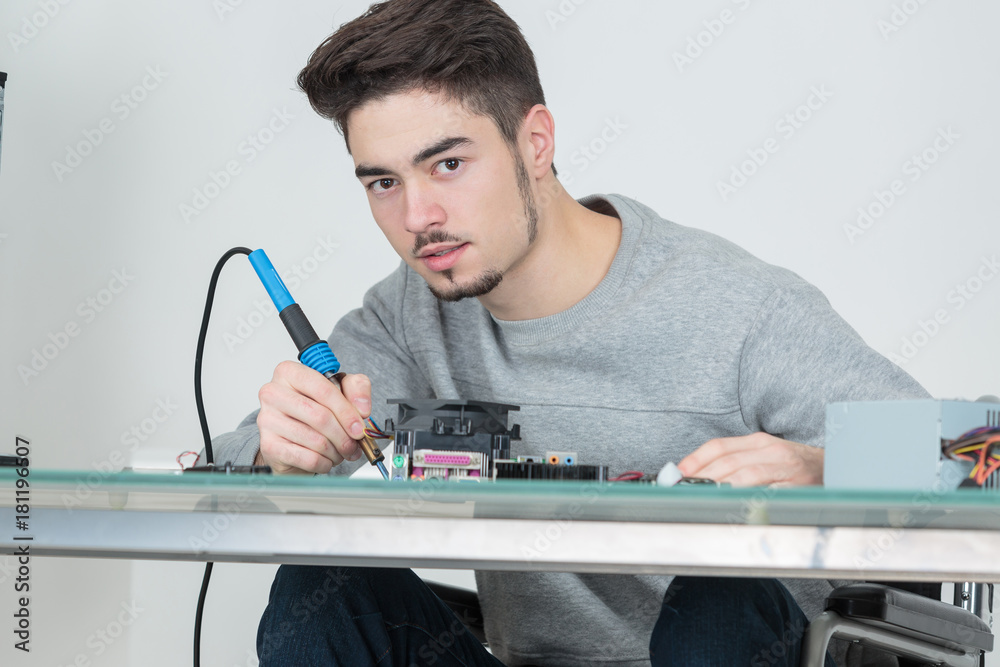

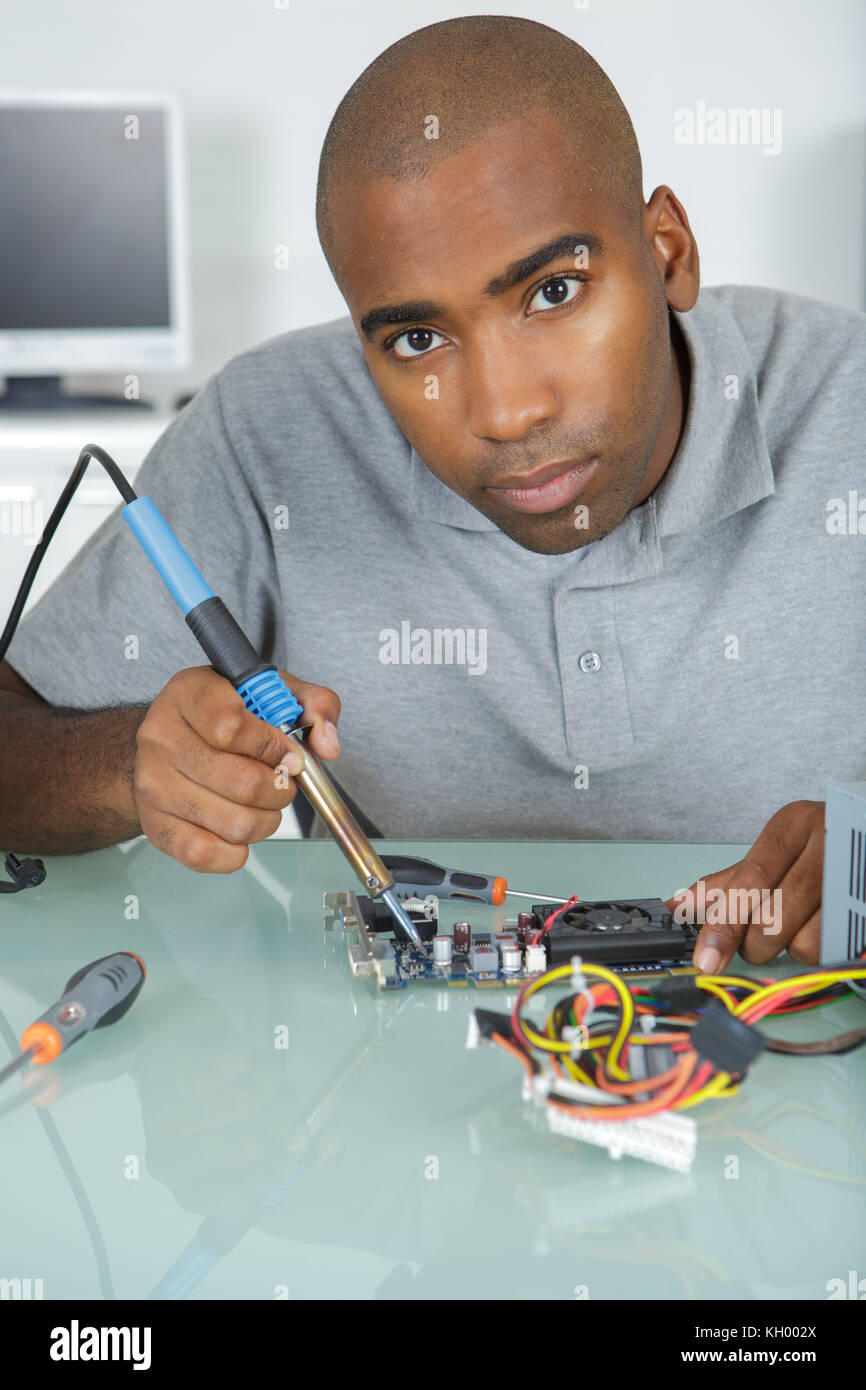
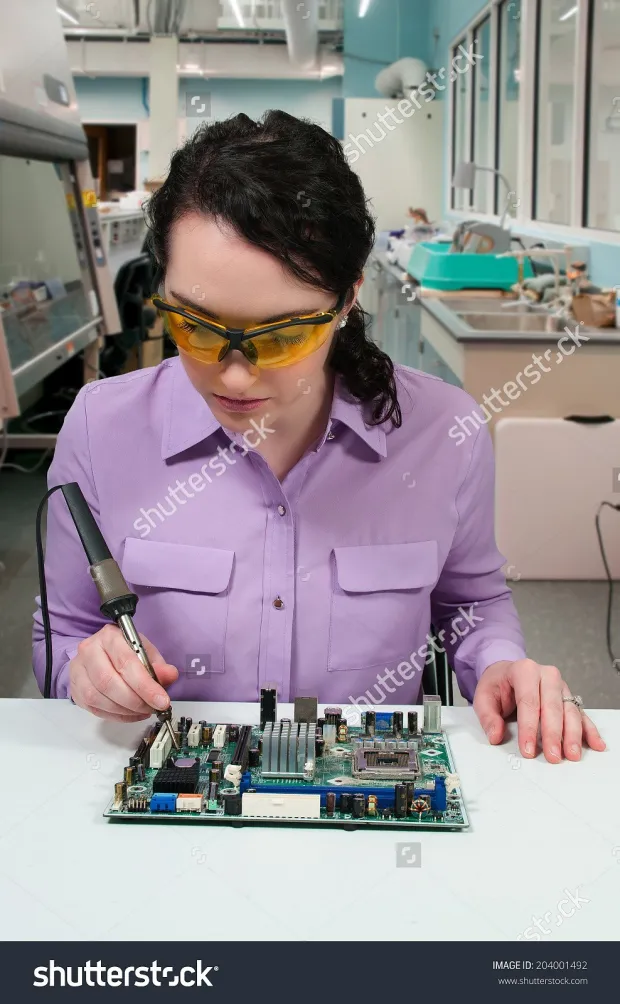

I think that the point being made here is that it’s not a great idea to hold an actually running soldering iron by the hot bit?
If so, I think that OP’s image is supposed to have some sort of thermal insulation stuff around the hot bit, that clear stuff.
Yeah, just reminded me of this.
is it even a soldering iron? i was assuming it was a probe for a logic analyzer or something
You can see metal changing colours due to temperature, those are definetly soldering irons except the top right one which is a hot air soldering station and (IIRC, I have the same model) it goes up to 550C. You don’t want to hold any of those on the business end when they’re running.
Yeah, the later images being posted are definitely soldering irons. I think that TurboWafflz is asking whether maybe the thing in the original Star Trek image that OP put up is intended to be a soldering iron, which is a fair question.
I’ve used probes with little hooks on the ends myself, but I imagine that there are pointy probes out there.
Ah, right. I’m not in star trek scene, but what I’ve seen that might be a probe, soldering iron, welder and a plasma cutter all in one in that universe.
I mean… Following what the Linux terminal was doing definitely helped me catch problems as they occurred back when I was using Ubuntu.

You’re following it to understand it, I’m following it to skim for warning signs.
We are not the same.
It’s less of an understanding, and more of a “Hmm that’s a lot of good colour text” or “Fuck, that’s a lot of bad coloured text!”

I thought the same when I first booted Linux, but after reading it day by day, you’ll understand more and if it is too fast you can always
Edit: woups!Sudo dmesgI basically read logs for a living, read the boot sequence at least once in your life. It’s very cool to be able toi see the bootstrapping order and understanding all the basic things that have to be initialized just for the most basic of OS things to happen.
The boot sequence is what I was picturing originally, but I didn’t know how to word that cleanly for the meme, lol.
The way these tools are designed, typically unless something goes wrong you need to understand basically none of it. And if something goes wrong, the resulting error messages normally at least give you something to search for in order to understand more
Yesterday I installed a program to run windows games. The installation through the terminal spat out ten different types of “Error reading the jupitos bus” type messages that I simply could not parse, but they sounded grim and serious.
But it ran just fine afterwards so those messages couldn’t have been that important?
Error severity depends on whether you’ve mounted the bus. You wouldn’t want to go to Jupiter by accident
Source? What’s going on here?
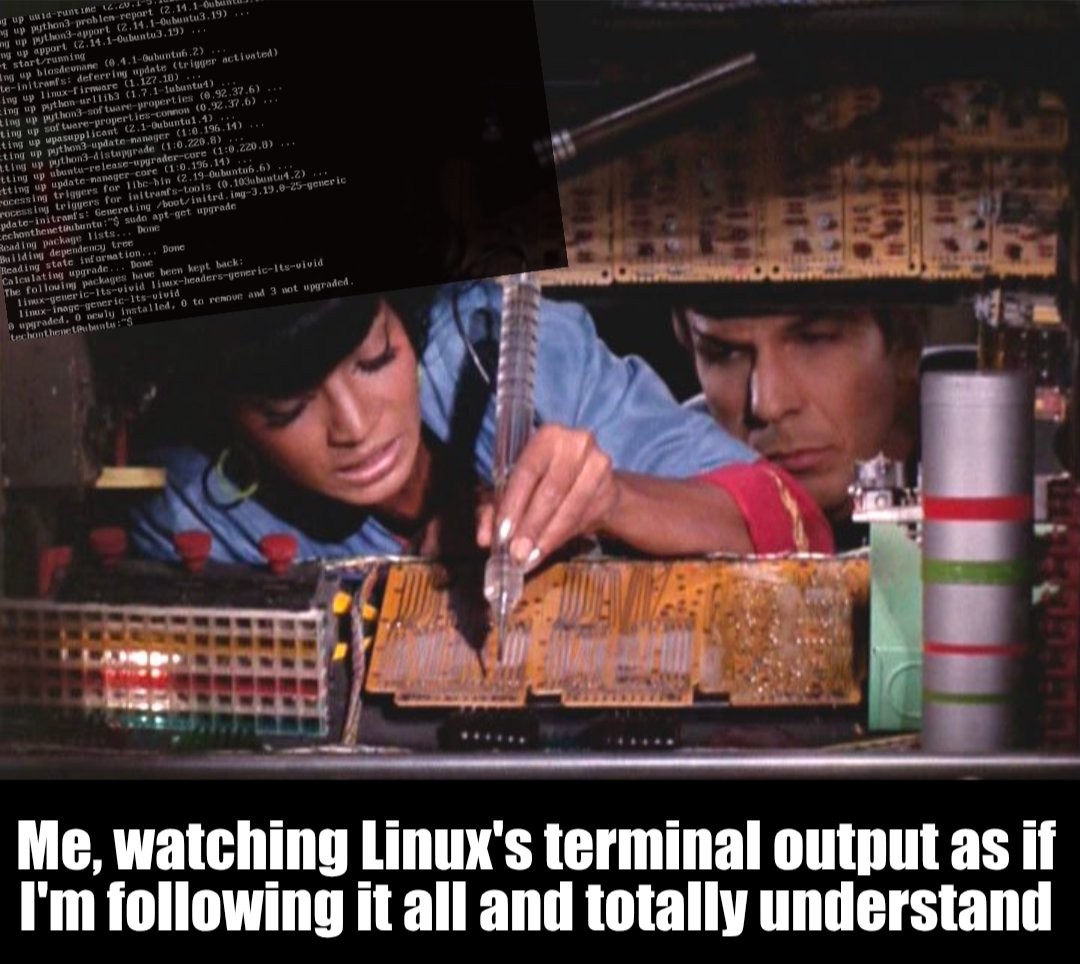
I just picked a random image of packages being updated.
Or if you mean the Star Trek image, it’s from an episode where Uhura and Spock are trying to fix one of the consoles on the bridge. ‘Who Mourns for Adonais’ season 2, episode 2.