

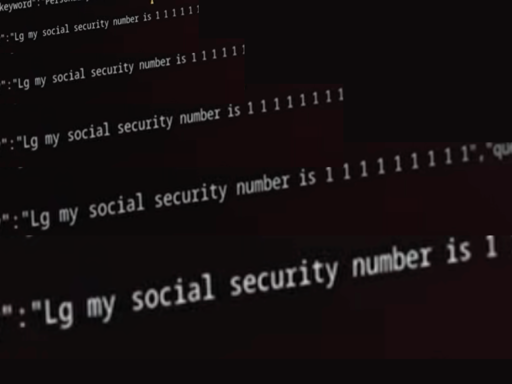
An investigation by Gamers Nexus found LG smart TVs sweep local networks to map phones and nearby devices. Tests also showed the sets can capture microphone audio with the screen off — they then upload data once reconnected to the internet.
An investigation by Gamers Nexus found LG smart TVs sweep local networks to map phones and nearby devices. Tests also showed the sets can capture microphone audio with the screen off — they then upload data once reconnected to the internet.
And that’s why I have a VLAN without outbound connections allowed. Still allows me to cast to the device from a separate vlan but the TV has no internet at all.
Seriously, this is the way. I did this too in about 15 mins. Also setup a simple rule to allow the vlan to reach my homeserver in a separate vlan specifically on Plex and Jellyfin ports. That’s it. They cant phone home. You still enjoy your own media.
I’ve recently tried setting up VLANs on my network, but I’m very new to this type of networking. I’ve got a bunch of guides and videos bookmarked, but I haven’t successfully got things working yet. Would you happen to have any good resources for a beginner? I THINK I have all the hardware I’ll need—a Pi5 8GB with OpenWRT installed, a managed gigabit switch, and a router flashed with OpenWRT to act as an access point. And a ton of Ethernet cables. I’ve also got some Lenovo Tinys I could use with… Opnsense? once I’ve got more knowledge and skillz and stuff.
Yeah if you setup the firewall correctly you can access the TV but the TV can’t access anything it self.
Did this a few month back. Then my Sony TV decided to hide all apps when it has no internet for a few weeks. I guess when the internal disk is filling up and it needs to phone home again. What a shit show!
So I had to connect again, but now https://play.google.com/store/apps/details?id=com.spocky.projengmenu is running, to hopefully never be coerced to go online again.
Jellyfin ftw.
Same here, smart devices go on a very restricted VLAN. Most only get access to Home Assistant for control.
Even without deliberate spying from these devices letting these things loose on the network at large has always seemed a bad idea to me.